
Trade term
Patching plan
A patching plan shows, port by port, which piece of equipment is connected to which, through which panel and which cable. It is also called a cabling plan, a patching table or matrix, or a link schedule. It is the map of a room’s cabling. Without it, every intervention starts with an investigation.
Patching plan and patching rack
Not to be confused: the rack and the patch panels are the hardware; the patching plan is the document that says what is plugged in where.
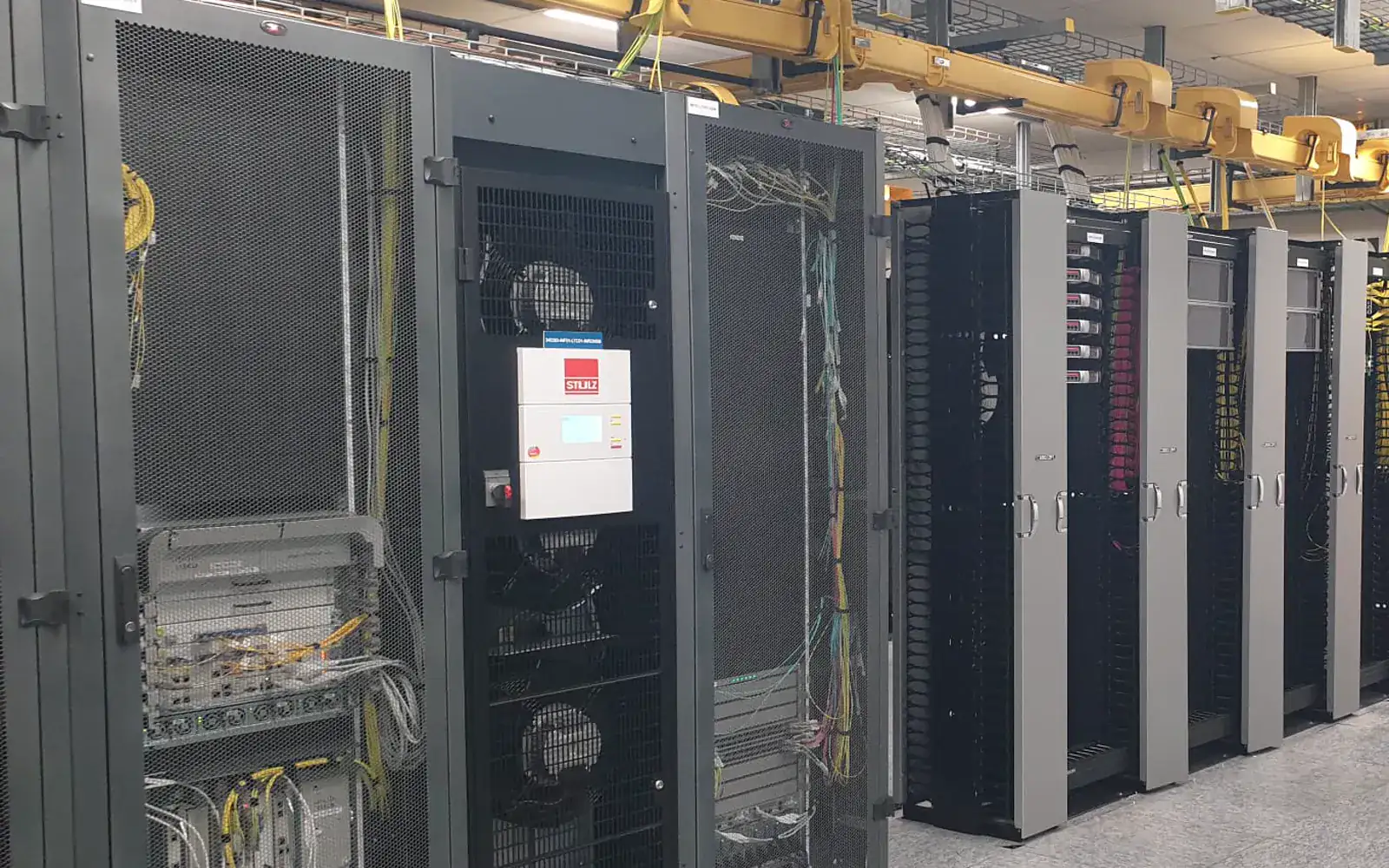
What it contains
- Both ends of every link
Rack, position in the rack, equipment, panel, port.
- The cable
Its reference, its type (copper, fibre, connectors) and its length.
- Port status
In service, reserved or free. This prevents patching onto a port already in use, or cutting a live link.
- Service carried
What the link carries, where the customer wants it documented.
- Link test result
Measurements taken at installation or acceptance testing, where they exist.
- Date of last check
A plan without a date does not say whether it is still true.
What it is used for
Fault-finding: tracing the other end of a cable without pulling on it, including by identifying the fibre with a visual fault locator (VFL), on fibre that is out of service. Migration and relocation: it provides the starting cabling plan, the basis of the destination plan. Decommissioning: knowing what can be removed without touching a live link. Audit: comparing what is installed with what is documented.
Why it goes out of date
Every patching job done without updating the plan creates a gap between the plan and the room. Moving a rack, or replacing a panel or a piece of equipment, does the same. A wrong plan is more dangerous than no plan: it gives confidence where checking is needed. The plan is checked on site, against the labels, and corrected at every intervention.
Standards and tools
The format for labelling and administering cabling is set by ANSI/TIA-606 and ISO/IEC 14763-1. In large data centres, the plan often lives in a data centre infrastructure management (DCIM) tool; elsewhere, in a spreadsheet. The format matters less than accuracy.
Content written by the Full Connection field team and approved by Karim Bouacida, head of the company.
Frequently asked questions
Patching plan or network diagram: what is the difference?
The network diagram describes the logic (which devices talk to each other). The patching plan describes the physical layer: which cable, on which port, in which rack.
Who keeps the plan in a colocation data centre?
The tenant for its racks, the operator for its panels and cross-connects. The two must match at the connection points.
What form does it take?
Spreadsheet, data centre infrastructure management (DCIM) tool or diagrams: the form matters less than accuracy and than using the same identifiers as the labels on site.
What does “port status” mean?
It is the state of a port in the plan: in service (a live link is connected), reserved (promised to a future link) or free. A port that is free on paper but occupied on site is a classic cause of patching errors.
A patching plan to survey or update?
Describe the room, the number of racks and the objective.
By phone: 07 76 31 97 87