
Expertise
Computer room relocation, without improvisation
Relocating a computer room or a server room means moving the heart of your business. The difference between a clean migration and a crisis weekend comes down to one thing: preparation. Full Connection plans and carries out the relocation of your servers, racks and IT infrastructure using the methods of France’s most critical environments.
Moving racks between two colocation data centres? That is a different operation: data centre relocation
A three-step method
- Step 1Prepare
Exhaustive inventory of equipment and links, labelling of every cable before disconnection, reference photos of your rack (in line with the site’s photo policy), target room plan, reinstallation sequence, rollback plan.
- Step 2Transfer
Systematic de-cabling, packing suited to sensitive equipment, secure transport, traceability of every item.
- Step 3Recommission
Reinstallation as before or to the new room layout, recabling, link-by-link testing, documented sign-off with you before the room returns to operations.
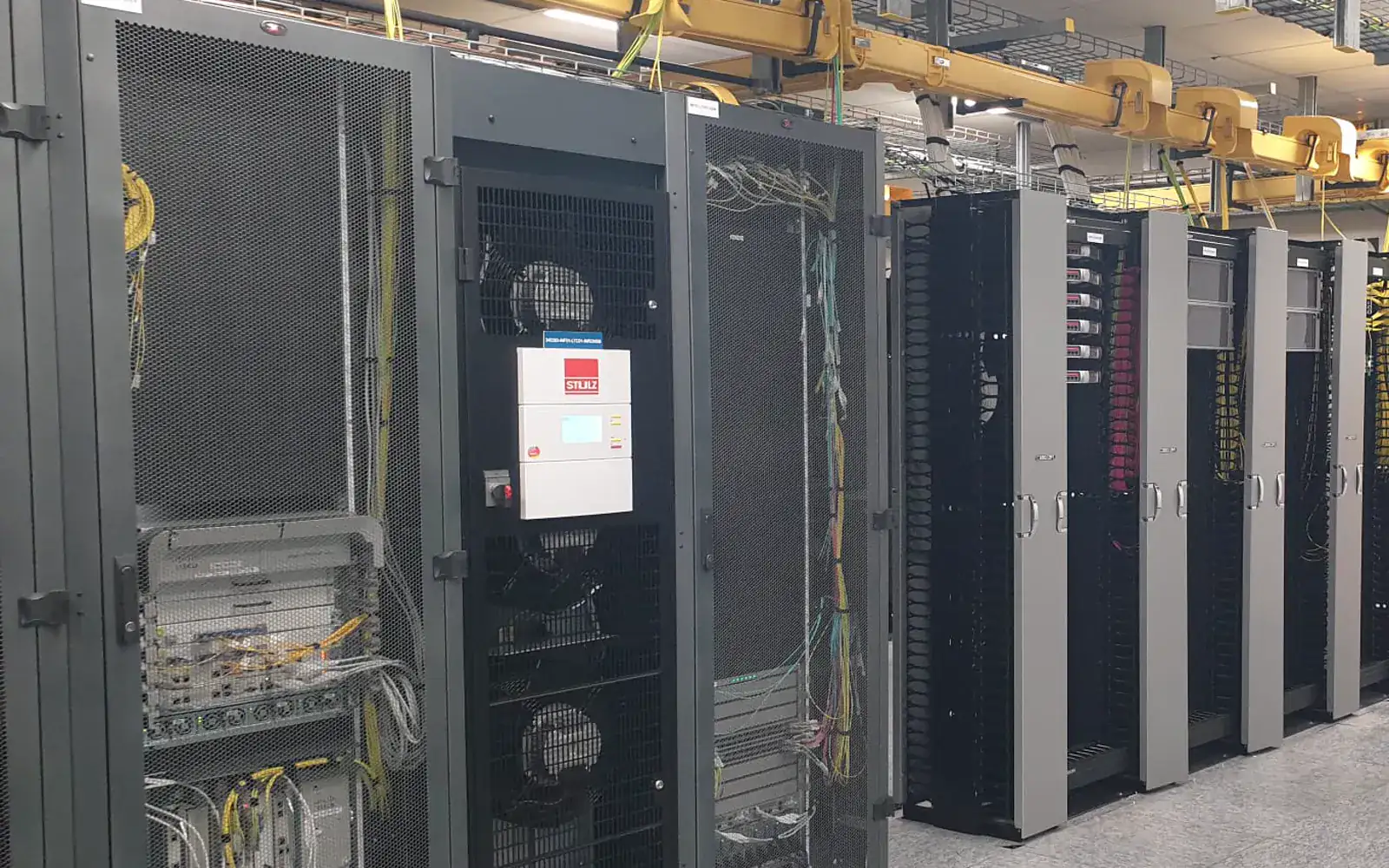
Business continuity as the starting point
The schedule is built backwards from your business constraint: night-time window, weekend, migration in waves to keep services running, or phased cutover with both sites coexisting. We have carried out these operations on national operator networks, where interruption is not negotiable — your relocation benefits from the same reflexes.
The situations we handle
Moving a server room to a new company site, migration to a data centre or colocation, consolidating several rooms into one, moving equipment within the same building, and clean decommissioning of the old room (removal, storage media handed to your security team or to the contractor you appoint, equipment recycling and restoration of the premises).
What the relocation file contains
- Inventory
Every item of equipment recorded with its position in the rack, its power feeds and its links.
- Cabling plan
The links in the origin room and in the destination room, port by port.
- Target room plan
Rack layout, cable routes and patching planned at the destination.
- Cutover timeline
The order of shutdown, transfer and restart, hour by hour.
- Rollback plan
What is put back, and when, if a step fails.
- Acceptance file
Link-by-link tests and photos, signed off with you before the room returns to operations.
Relocating a server room without service interruption
A relocation without downtime is won before the day itself: destination room pre-cabled, temporary links between the two sites, servers moved in waves while the others carry the service. When the architecture requires a shutdown, it is placed in the window you choose, kept to the strict minimum and covered by the rollback plan.
In Paris, Île-de-France and across France
Our teams are based in Paris and relocate computer rooms and server rooms throughout Île-de-France: head offices, branches, industrial sites, technical rooms. We also work in the South of France (from Béziers to Nice) and the Hauts-de-France; elsewhere, we review every request, including moves between two regions.
What an outage costs
57% of respondents to Uptime Institute’s annual survey say their most recent major outage cost them more than $100,000. One in five reports more than $1 million. A relocation is the point where this risk concentrates: every rack you unplug is a deliberate outage. That is why the schedule is built backwards from your acceptable shutdown window, and why every link is tested before the room returns to service.
Source: Uptime Institute, Annual Outage Analysis 2026 (published 13 May 2026, 2025 survey)
Content written by the Full Connection field team and approved by Karim Bouacida, head of the company.
Frequently asked questions
Can you relocate without a service interruption?
Often, yes — in successive waves or with temporary links between the two sites. When an outage is unavoidable, it is planned, kept to a minimum and covered by a rollback plan.
How long does it take to relocate a computer room?
The move itself often fits into one night or a weekend. Preparation is what takes time: inventory, link mapping and planning take weeks for a room of several racks.
Do you work at night and at weekends?
Yes. The window is set according to your operating constraints: night, weekend or public holiday.
How do you make sure no cable is “lost” during reinstallation?
Every link is labelled and photographed before disconnection, and recorded in a cabling file. Reinstallation follows that file, and acceptance testing checks every link one by one.
Do you deal with the old room?
Yes: full removal, equipment sorting, documented decommissioning and return of the premises clean.
A relocation or migration on the horizon?
Let’s talk method before we talk boxes.
By phone: 07 76 31 97 87